

Your account page is where you can update your email address, change your password, and manage your subscription. Here's how to find it:
Log in to My Crossword Maker. You'll land on your My Documents page.
Click on any crossword puzzle you've created under My Documents to open it.
Click the profile icon in the top right corner of the screen.
Select My Account from the menu.
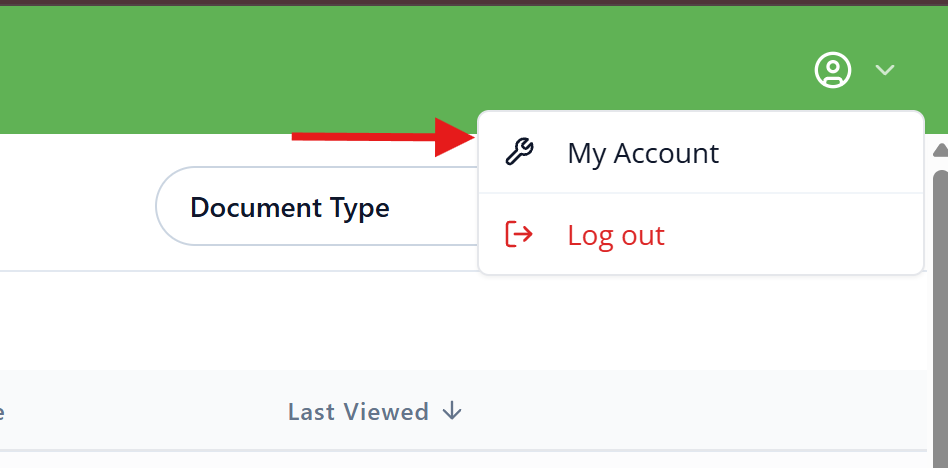
Tip: The profile icon only appears once you've opened a puzzle, so if you don't see it on the My Documents page, open any of your saved crosswords first.
Need help? Reach out to us at support@brightsprout.com and a member of our support team will get back to you within 24 hours.